
July 28, 2026
Cloud World Model Now Has a Streaming MCP Server
Cloud World Model is a hosted Streamable HTTP MCP server for simulating cloud infrastructure and estimating cost, latency, errors, and resilience before deploying or changing infrastructure. It covers AWS, GCP, Azure, OCI, and DigitalOcean; simulations don't create resources in your cloud account.
Connect directly over Streamable HTTP by adding this URL as a remote MCP server:
https://www.cloudworldmodel.ai/mcpConnect to https://www.cloudworldmodel.ai/mcp over Streamable HTTP. MCP and REST are access interfaces; x402 is payment for eligible REST requests, not MCP calls.
Choose keyless or API-key access
For the keyless demo, configure the direct endpoint without a headers field:
{
  "mcpServers": {
    "cloud-world-model": {
      "url": "https://www.cloudworldmodel.ai/mcp"
    }
  }
}
To use all authenticated tools, send your CWM API key in the x-api-key header:
{
  "mcpServers": {
    "cloud-world-model": {
      "url": "https://www.cloudworldmodel.ai/mcp",
      "headers": {
        "x-api-key": "<your CWM API key>"
      }
    }
  }
}
Keyless demo vs. authenticated
The server has 9 keyless demo tools and 64 authenticated tools. An API key unlocks the authenticated tools.
| Mode | Tools | Limits |
|---|---|---|
| No API key | 9 keyless demo tools | 50 total calls • 20 sim steps |
| API key | 64 authenticated tools | No caps |
Keyless demo calls run simulations in the hosted service; they do not provision resources in a cloud account.
Cursor and Windsurf config
For clients that support remote MCP server URLs with custom headers, add this to your config:
{
  "mcpServers": {
    "cloud-world-model": {
      "url": "https://www.cloudworldmodel.ai/mcp",
              "headers": { "x-api-key": "YOUR_API_KEY" }
    }
  }
}
To use the 9 keyless demo tools, omit the headers field entirely.
Three things it's good for right now
Simulation before infrastructure changes
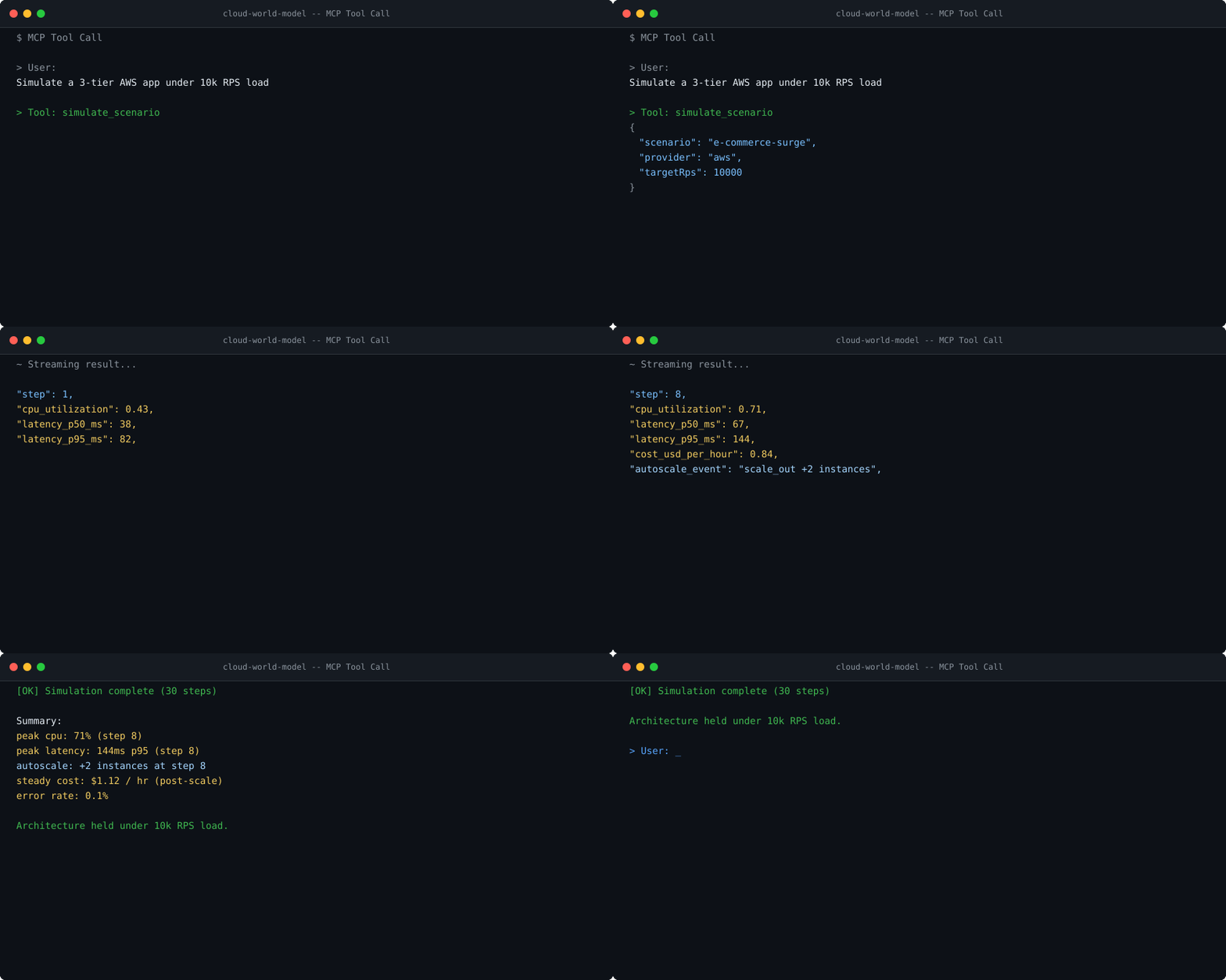
Describe an AWS, GCP, Azure, OCI, or DigitalOcean architecture and workload. The simulation models CPU, autoscaling behavior, database connection pressure, latency, errors, and estimated hourly cost to help compare designs before a change.
Results are simulated estimates, not measurements of a live provider workload. See the accuracy benchmark and simulation fidelity notes for workload-specific evidence and limitations.
Chaos testing without a staging environment
Simulate a database crash, model recovery, and compare resilience across architectures. These are simulated failure experiments; they do not affect real systems.
Use these simulations to explore failure scenarios before validating changes in production-capable systems or a staging environment.
RL agent training for cloud optimization
The MCP server exposes the full RL environment API. An agent can create an environment, step through episodes, collect rewards based on cost/latency/uptime trade-offs, and iterate on a policy — entirely through MCP tool calls.
RL steps use modeled autoscaling delays, cold-start penalties, and spot interruption probabilities. Training occurs in simulation and does not provision cloud resources.
What's in the tool set
The 64 authenticated tools cover simulation lifecycle, traffic patterns, failure injection, multi-cloud comparison, AI-generated analysis, RL environment management, and async jobs. The 9 keyless demo tools cover a bounded simulation lifecycle.
Full tool reference and step-by-step setup:
MCP Quick Start guide →Full agent API reference →Get an API key →